

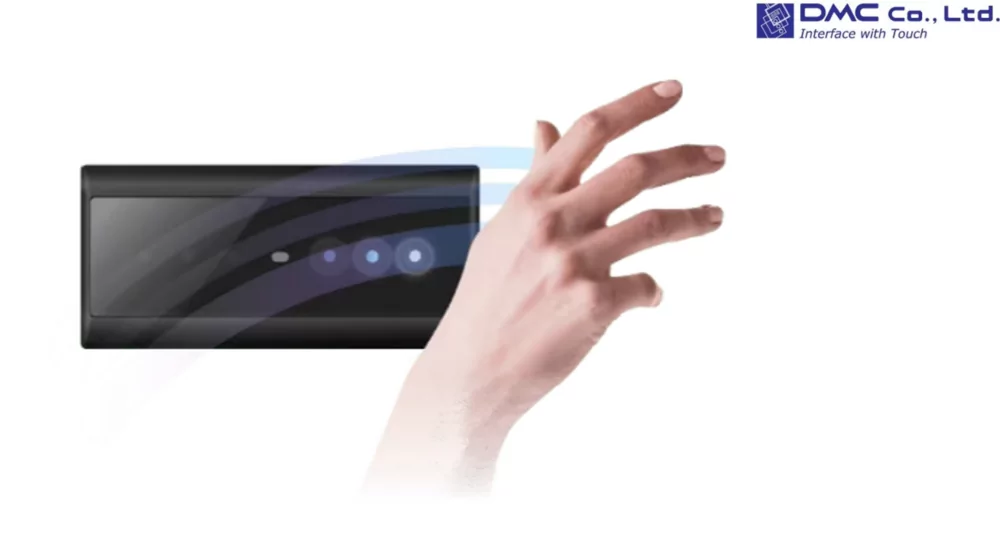
By holding your hand over the main unit, the built-in gesture sensor detects the direction of your hand movement without requiring any physical contact with the screen. This allows users to operate the device entirely through gesture control, making it particularly suitable for environments where touchless operation is beneficial, such as industrial equipment and medical devices.
Features
More freedom and smarter operation in the field
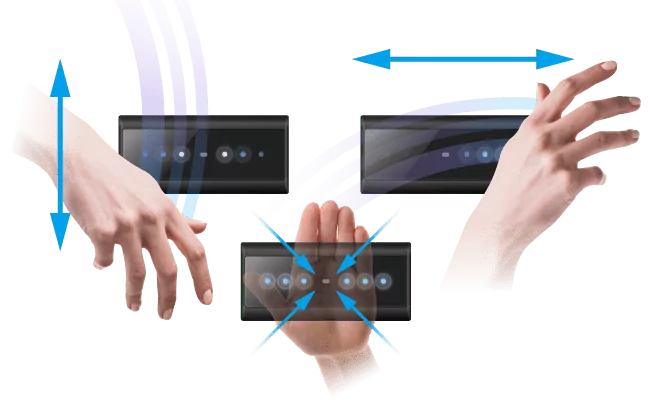
Up-and-down scrolling is possible with an up-and-down motion of the hand, left-and-right scrolling with a left-right motion, and ENTER input with a hover motion of the hand. The innovative gesture device presents various possibilities in situations that previously required operations other than touch, using only hand movements to create a more comfortable operating experience than ever before.
No complicated setup required, just a simple USB connection for easy installation
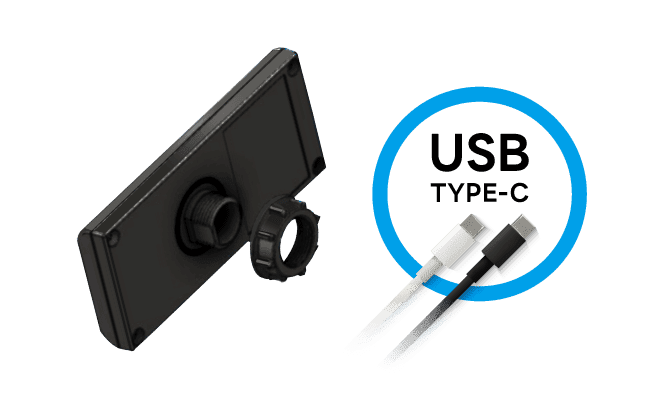
No setup is required, just connect it with a USB Type-C cable, and use it immediately in various work environments by simply fixing it to the Φ22.3mm hole with a screw on the back side. The ease of installation, which is ideal for retrofitting to equipment in operation, dramatically improves workflow on the job site.
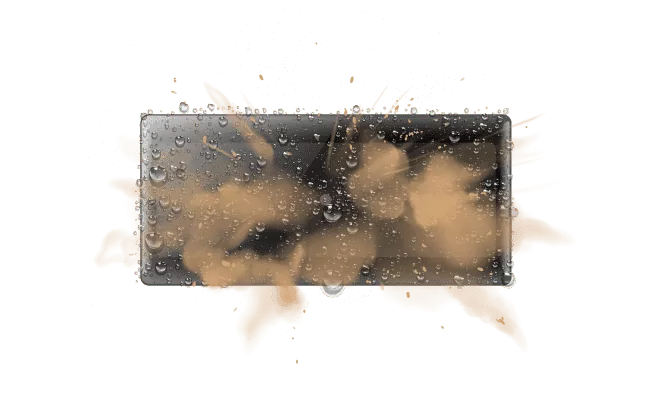
Equivalent to IP65 dustproof and drip-proof construction, resistant to water and dust
Equivalent to IP65 design is resistant to water and moisture, as well as to sand, dust, and other dust particles, making it safe to use in outdoor installations, factories, and other dusty locations. The high dustproof and waterproof performance, which can withstand heavy rain and sandstorms, protects the equipment even in harsh environments.
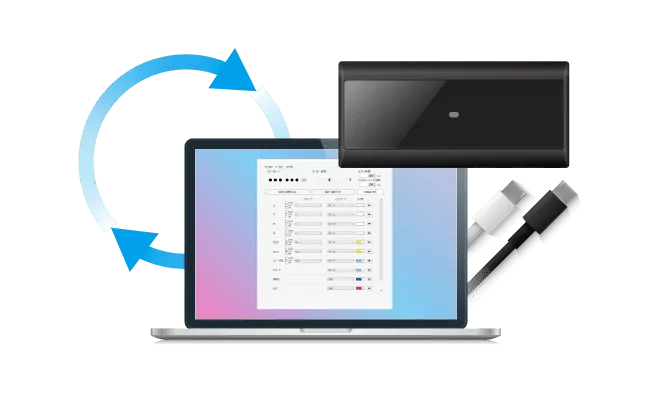
Customize your own operation freely
By using HGSettingTool, you can change the LED colors and patterns, adjust the sensor sensitivity, and easily set other temporary lock settings among others. The codes sent to the host are sent as keycodes similar to a keyboard, and you can also set the keycodes to send in the dedicated setting tool.
Benefits
Control the Andon display remotely
Minimize factory movements by controlling the Andon operation panel from a distance using hand gestures
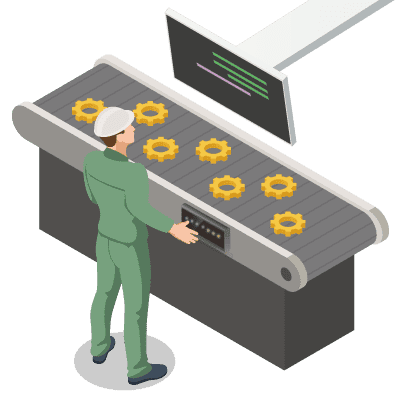
Operate display from the work table
Operate the control panel of a distant display, such as a device across the work table, using hand gesture control.
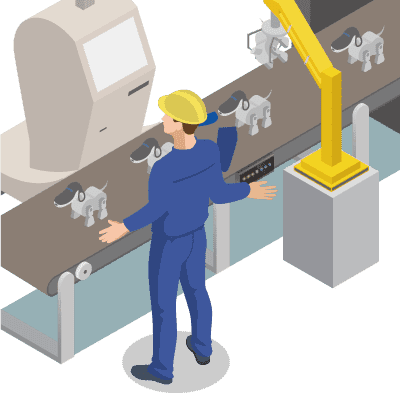
Avoid touch the screen with dirty hands
Operate the screen using hand gestures without touching it with soiled gloves or dirty hands due to hygiene reasons.
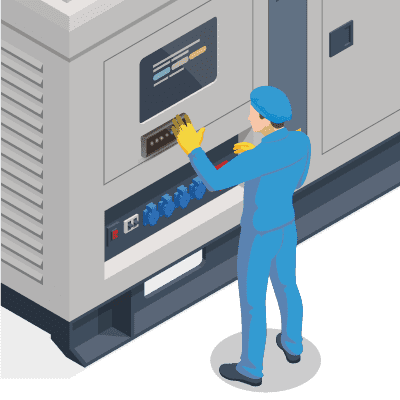
Avoid screen with disinfected hands
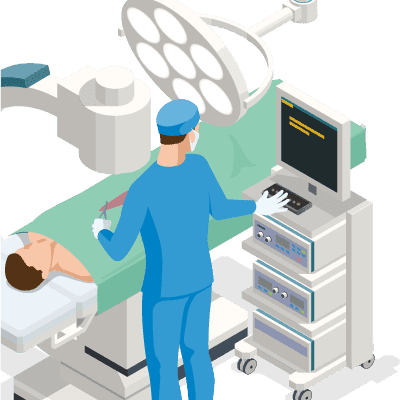
Avoid touching the screen during patient examination and treatment to prevent contamination of disinfected hands or gloves.